
![Construction Lead Gen Software vs Manual: Which to Choose [2026]](https://cdn.prod.website-files.com/plugins/Basic/assets/placeholder.60f9b1840c.svg)
- TL;DR — Quick Answer: Should contractors in Texas and Florida use lead gen software or manual methods?
- What is construction lead gen software and how does it differ from manual lead generation?
- How much does construction lead gen software cost and what ROI should I expect in Texas and Florida?
- How do I set up an actionable lead capture and follow-up workflow that converts?
- Which option and vendors should I choose for my trade and company size in Texas or Florida?
- Key takeaways
- FAQ
TL;DR — Quick Answer: Should contractors in Texas and Florida use lead gen software or manual methods?
Use Construction lead gen software when targeting projects across Texas and Florida metros. Pilot software for jobs above $250k; keep manual for neighborhood repeat work.
Permit-intelligence platforms surface private-project signals 3–12 months before public bids. For example, Mercator.ai documented a Texas contractor moving a $3.2M retail job to pricing in 6 weeks. Enterprise lead platforms commonly cost $400–$1,200/month depending on coverage and integrations.
If you run two or more business-development reps or handle 150+ leads per month, software usually pays off faster. If you run solo work under $250k with strong local relationships, manual methods remain cost-effective.
See our Construction business development insights & AI guides (permit intelligence and case studies) for county-level feeds and documented wins.
What is construction lead gen software and how does it differ from manual lead generation?
Construction lead gen software automates discovery, enrichment, and routing of construction opportunities. Manual lead generation uses public records, cold calls, planrooms, and personal networks.
Permit intelligence finds private projects 3–12 months before public bids. Public planrooms like Dodge, ConstructConnect, and BuildingConnected publish opportunities 30–120 days before deadlines.
Differences to compare:
- Data sources: permit feeds catch private projects early; planrooms list posted public bids.
- Speed: software sends instant alerts; manual searches take days or weeks per county.
- Workflow: software maps feeds into CRMs and automates outreach; manual work uses spreadsheets and phone trees.
- Cost profile: enterprise software often costs $400–$1,200/month; manual labor runs $50–$150 per qualified lead.
Third-party scale example: Dodge Data & Analytics reports about 750,000+ active projects in its system. Mercator.ai operates county-level feeds in Texas and Florida to catch early-stage private work.
Use the vendor comparison above to judge feed freshness, CRM connectors, and per-lead pricing.
How much does construction lead gen software cost and what ROI should I expect in Texas and Florida?

Typical enterprise pricing runs $400–$1,200/month, plus optional per-lead fees. ROI commonly sits between 3x–10x within six months when lead quality matches target project size.
Pricing models and expected costs:
- Subscription: $400–$1,200/month for feeds, alerts, and integrations.
- Per-lead: pay-by-lead pricing scales with project value and exclusivity.
- Hybrid: lower subscription plus higher per-lead fees for exclusives.
How to validate ROI quickly:
- Run a 30–90 day pilot with measurable success criteria and weekly reporting.
- Track conversion rate, time-to-pricing, win value, and cost-per-win.
- Calculate break-even: divide monthly software cost by average gross margin per win.
Field evidence and an example:
- Mercator.ai documented a Texas case where AI lead discovery moved a $3.2M retail opportunity to pricing in 6 weeks.
- Manual lead generation labor averages $50–$150 per qualified lead, assuming one hour of research and two outreach touches.
Action steps before purchase:
- Define target project size and minimum monthly lead volume.
- Run a pilot in a single metro like DFW or Miami for 30–90 days.
- Measure cost-per-qualified-lead and time-to-pricing against manual benchmarks.
See our permit intelligence and case studies for pilot checklists and county-level examples.
How do I set up an actionable lead capture and follow-up workflow that converts?
Use Construction lead gen software integrated with your CRM and an automated seven-step outreach sequence. Run a 30-day pilot, then expand to a 90-day measurement period.
Step-by-step setup:
- Capture: ingest permit feeds and planroom alerts and auto-create CRM leads.
- Prequalify: use a one-page form capturing project value, contact, timeline, scope, and bid role.
- Map fields: sync permit number, owner contact, valuation, issue date, and county to CRM.
- Prioritize: filter for metros and a $250k minimum project value to reduce noise.
- Automate outreach: schedule sequence across email, call, SMS, and pricing invite over two weeks.
- Triage and price: run a four-question qualification call and schedule a pricing invite within 7–14 days.
- Measure KPIs: track conversion rate, time-to-pricing, win value, and cost-per-win.
Follow-up sequence template (seven touches):
- Initial call within 24 hours of signal.
- Follow-up email with one-sheet and schedule link.
- SMS reminder the next business day.
- Second call two business days later.
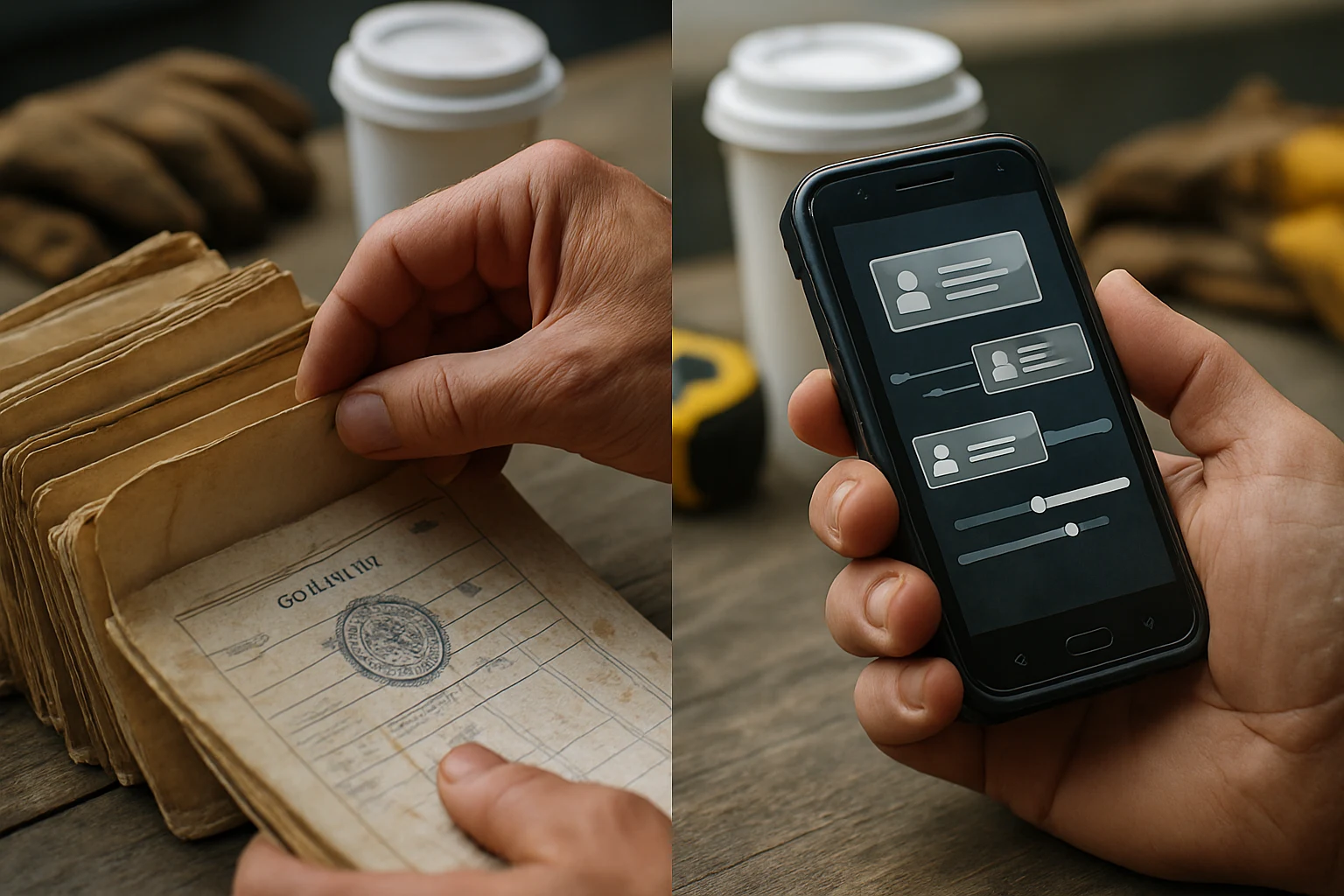
Hands sorting weathered paper forms beside a glowing rugged device
- Pricing invitation and site-visit request.
- Bid reminder three days before your internal pricing deadline.
- Close attempt or qualified-loss note in CRM.
A/B test subject lines and call scripts in week one to find the best opener. Use the results to tighten your first two touches.
See our Construction business development insights & AI guides (permit intelligence and case studies) for field-ready templates and filter examples.
Which option and vendors should I choose for my trade and company size in Texas or Florida?
Match vendor scope to your bidding volume, team size, and CRM capacity. Use permit intelligence plus planrooms for most trades and company sizes in Texas and Florida.
Decision matrix by company size:
- Solo operators (1 person): use low-cost planrooms and manual outreach. Monitor SAM.gov, BidClerk, and The Blue Book. Run a $200/month pilot before upgrading.
- Small teams (5–20 people): run a hybrid stack with permit feeds and planrooms. Use county-level feeds to surface private signals 3–12 months early.
- Mid and enterprise teams (50+ people): choose software-first platforms with robust CRM integrations and dedicated feeds.
Vendor recommendations and features to compare:
- Mercator.ai: county-level permit feeds in Texas and Florida focused on early private signals and CRM mapping.
- Dodge Data & Analytics: broad public-planroom coverage with roughly 750,000+ active projects reported.
- ConstructConnect, iSqFt, BuildingConnected: planrooms and bid networks with public and private listings.
Compare vendors on three criteria:
- Signal freshness and update cadence under 24 hours.
- CRM and estimating integrations to avoid double entry.
- Regional depth for your target counties and metros.
Pilot vendors for 30–90 days in one metro, then scale coverage as conversion and cost-per-win justify expansion.
Key takeaways
- Use Construction lead gen software for predictable volume and multi-rep teams. Pilot software for jobs above $250k.
- Permit intelligence surfaces private-project signals 3–12 months before public bids.
- Expect enterprise pricing around $400–$1,200/month and ROI of 3x–10x within six months for matched lead quality.
- Map permit fields to CRM and require integrations to eliminate double entry.
- Run a 30–90 day pilot in a single metro like DFW or Miami before rolling out statewide.
- Manual lead gen costs about $50–$150 per qualified lead in labor hours.
See our permit intelligence and case studies for county-level implementation examples.
FAQ
Q: How long does onboarding county-level permit feeds take in Texas and Florida?
A: Onboarding typically takes 2–6 weeks per county. Vendors pull raw data while you map fields.
Q: What are the most common false positives from permit-intel feeds?
A: Common false positives include homeowner repairs, demo permits, duplicate filings, and small remodels.
Q: How many sales touches should I schedule for a permit-intel lead?
A: Schedule 6–8 touches across two to three weeks for permit-intel leads.
Q: What CRM fields should I sync from lead generation software for contractors?
A: Sync permit number, owner contact, valuation, issue date, scope, county, and source.
Q: At what company size does automated lead-gen software pay off versus manual BD?
A: Automated lead-gen pays off when you run two or more BD reps or handle 150+ leads monthly.
Q: How much does manual lead generation cost per qualified construction lead?
A: Manual generation costs about $50–$150 per qualified lead in labor and outreach time.
Q: How should I combine automated feeds and manual scouting for rural counties?
A: Use automated feeds for metro zones and monthly manual checks for outlying counties.
Q: What data freshness SLA should I demand from permit-intel vendors?
A: Require a data freshness SLA under 24 hours and timestamped daily exports for target counties.
References
-
Construction Business Development Insights & AI Guides (Mercator.ai Articles)
Mercator.ai documents a Texas contractor using AI lead discovery to move a $3.2M retail project from first call to pricing in 6 weeks and provides county-level permit feeds in Texas and Florida.
-
Best Bid Generation Software for Contractors: Top Picks Compared (2026)
Market overviews list typical enterprise lead/bid software pricing in the approximate $400–$1,200/month range, depending on scale and feature set.
-
Construction Bid Management Automation Comparison 2026
Third-party comparisons cite Dodge Data as offering about 750,000+ active projects.

.png)